.svg)
.svg)
Meet the Flowlity MCP: what Supply Chain teams can actually do with conversational AI
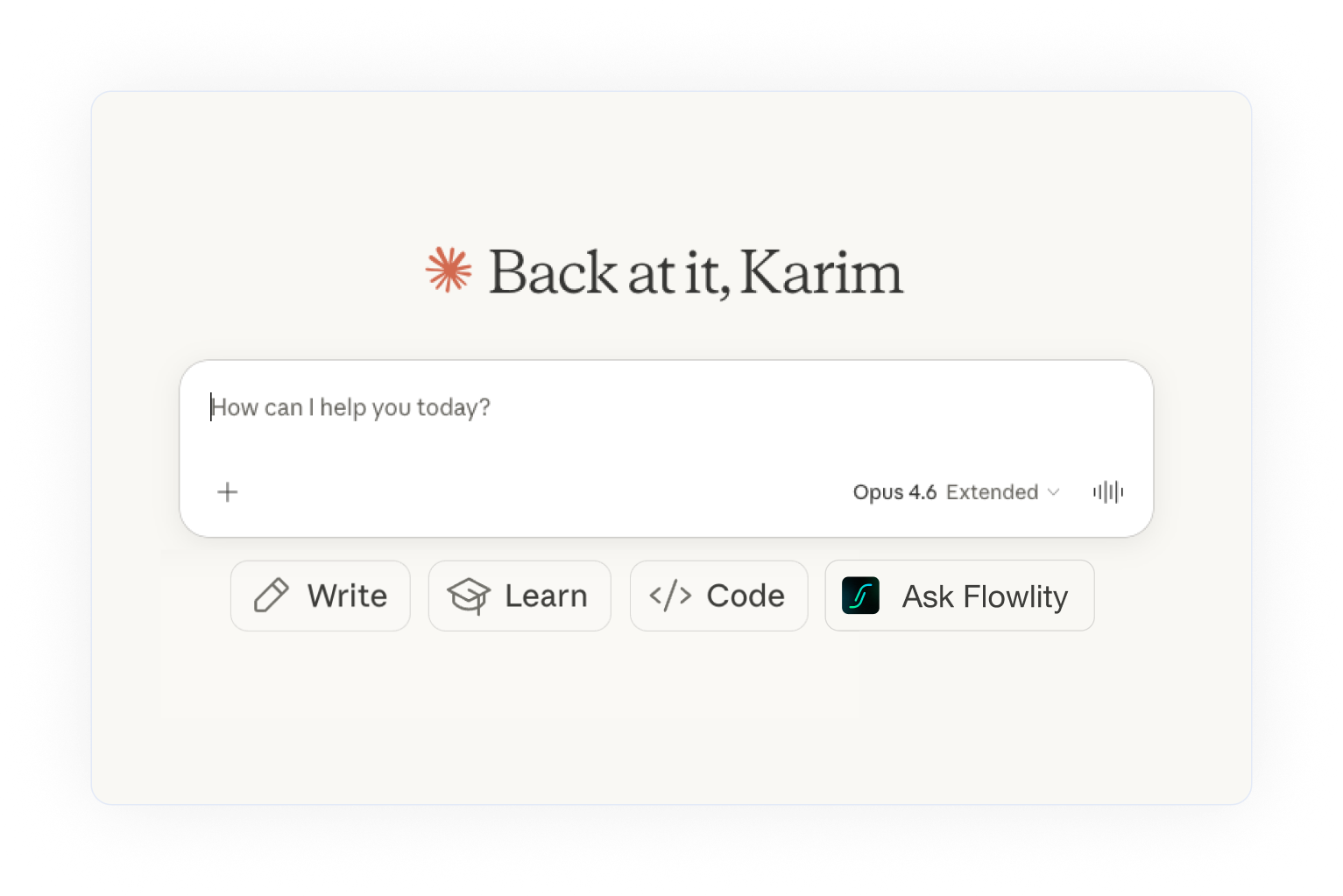
Meet the Flowlity MCP: the new way to ask, simulate, and decide with your Supply Chain data
For years, interacting with a Supply Chain planning tool has meant the same thing: opening the app, navigating through menus, filtering views, exporting a file, building a pivot table, and only then getting to the actual decision. The data was there — the friction was everywhere around it.
That friction is what the Flowlity MCP removes. With the release of our Model Context Protocol server, Demand Planners and Supply Chain leaders can now interact with their Flowlity data directly from the AI assistant they already use — Claude or ChatGPT. Ask a question in plain English, run a simulation, set up a promotion, trigger a data import. No clicks. No dashboards. Just a conversation.
This article walks through what the Flowlity MCP is, what it can do today, and why it marks a shift in how Supply Chain teams work with their AI Supply Chain planning software.
What is the Flowlity MCP?
MCP stands for Model Context Protocol — an open standard that lets AI assistants connect directly to business applications. In practical terms, the Flowlity MCP is a server that acts as a bridge between your Flowlity environment and the AI assistant of your choice. The AI becomes the interface; Flowlity remains the engine — powered by machine learning — doing the forecasting, inventory optimization, and planning work underneath.
What makes this different from a chatbot embedded inside the Flowlity app is scope. Because the MCP is a standard, the same chat window that queries your Flowlity data can also pull from Salesforce, HubSpot, your ERP, or a folder full of Excel files — in a single conversation. A planner no longer needs to jump between tabs to cross-check a forecast against a CRM opportunity. They just ask.
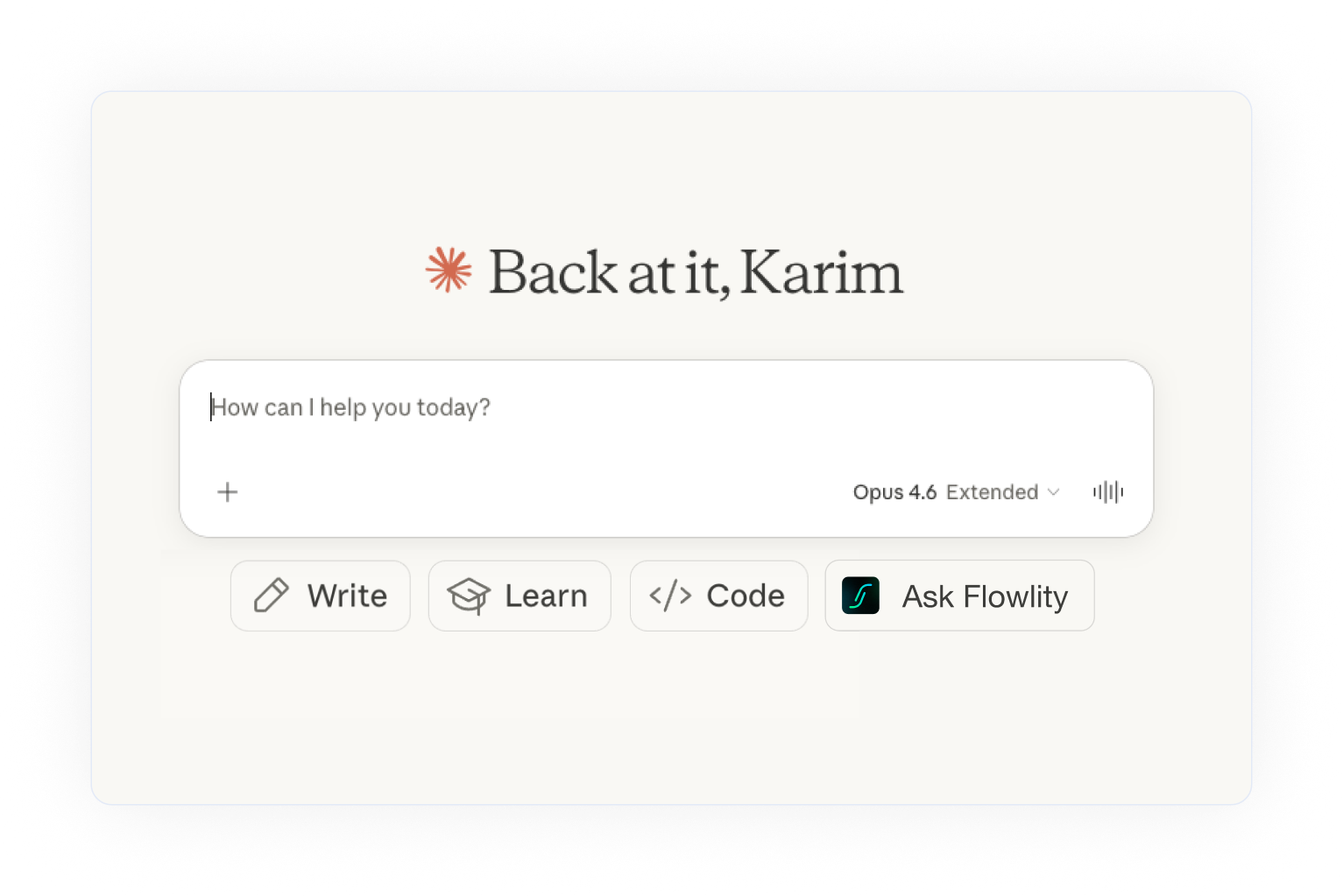
What you can actually do with it
This is the part that matters most. The Flowlity MCP is not a future promise — it's shipped, and here is what it enables today.
Query your planning data in plain English
The most immediate use case is also the simplest: asking questions. "How much stock do I have on reference X?" "Which products have the worst forecast accuracy this month — show me the top five." "Tell me more about this SKU, what's happening with its stock and demand?"
The AI assistant doesn't just return numbers. Because it has access to the broader context of your catalog, it can explain why a KPI looks the way it does. If a product has poor forecast accuracy, the assistant can flag that it's a slow mover with volatile demand — exactly the kind of nuance that would normally take a planner ten minutes of manual digging to surface.
Investigate forecast anomalies without leaving the chat
A Demand Planner's week is often structured around one recurring question: what changed, and why? The MCP compresses that investigation into a conversation. Ask which SKUs saw a demand shift above a threshold, drill down into the ones that matter, pull related metadata like site, tag, or category — all without opening a single report. The planner still makes the decision; the MCP just removes the friction between the question and the answer.
Run simulations and create views on the fly
Beyond reading data, the Flowlity MCP can also act. You can ask the assistant to create a new view in Flowlity — it will pick the relevant columns and configure it for you. You can say "create a promotion for all Class A products with a 30% forecast uplift," and the MCP will identify the right products and push the promotion directly into Flowlity. This is the shift from querying your planning tool to operating it through conversation.
Upload files and trigger data pipelines
CSV imports and Airflow workflows — the unglamorous plumbing of daily planning work — are also exposed through the MCP. A planner can hand a file to the assistant, ask it to import the data and run the pipeline, and get confirmation back in the same chat. What used to require switching between three interfaces now happens in one.
Cross-tool workflows: the real unlock
The most powerful use case is the one that no embedded AI sidebar can match: combining Flowlity with everything else. Pull open opportunities from your CRM, match them against Flowlity's demand forecast, and surface the gaps — all in a single conversation. For planners who juggle ten Excel files alongside their planning system, the MCP becomes a unified workspace. The AI handles the stitching; the planner handles the judgment.
See it in action
The fastest way to understand what the Flowlity MCP feels like in practice is to watch it run. The interactive demo below shows a real conversation: querying stock levels, investigating forecast accuracy, and creating a promotion — end to end, in a chat window.
Why this matters for Supply Chain teams
The shift the Flowlity MCP represents is less about AI as a feature and more about AI as an interface. Planning tools have spent the last decade becoming more powerful, but the cost of that power has been complexity — more screens, more filters, more training. Conversational access flips that curve. The most complex thing you can do and the simplest thing you can do become the same gesture: asking a question.
There's also a practical benefit for teams that are already stretched thin. Onboarding a new planner typically means weeks of learning where things live inside the tool. With the MCP, a new joiner can start being productive on day one, asking questions in natural language while they build a mental model of the underlying system. The learning curve doesn't disappear, but it flattens significantly.
And for Supply Chain leaders, the MCP opens a new kind of access. A COO who wants a weekly S&OP read on forecast health, inventory coverage, or service level risk no longer needs to wait for someone to build a dashboard. They can ask. The data is already there; the MCP just makes it reachable.
Security, accuracy, and what stays under control
Two questions come up immediately whenever AI touches enterprise data: is it safe, and can I trust what it says. Both have clear answers in the Flowlity MCP.
On security, authentication is handled by a Flowlity-built service using the same credentials as the main app, and it respects the exact same permission scopes. A planner who only has access to certain sites will only see those sites through the MCP — nothing changes in terms of data governance. All database traffic runs through a private network on the Azure backbone, with no public IPs exposed.
On accuracy, the MCP's tool calls are deterministic. When the AI queries your stock levels or forecast data, it is executing actual code against your database — not generating an answer from memory. The underlying numbers are always real. The only thing that varies is how the assistant phrases its response, which is why Flowlity's MCP tools are designed to return structured, verifiable context alongside every answer.
Getting started
Setting up the Flowlity MCP takes a few minutes. In Claude, you add a custom connector from Settings, enter the Flowlity MCP server URL and client ID, and authenticate with your Flowlity account. In ChatGPT, developer mode lets you create a new app with the same server URL — authentication is auto-discovered, so there's no manual step.
The full step-by-step setup guide, including screenshots for each assistant, is available in our documentation.
The bigger picture
We didn't build the Flowlity MCP just for human planners. The future of Supply Chain software is one where AI agents — not only people — query forecasts, trigger simulations, and coordinate decisions across systems. By exposing Flowlity through an open standard like MCP, we're making sure that whatever the next generation of data-mature planning workflows looks like, Flowlity is ready to be part of it.
For now, though, the most useful thing you can do is try it. Open your AI assistant, connect Flowlity, and ask it a question about your data. That first answer is the moment the shift becomes obvious.
Level up your supply chain with AI.
Get a demo.jpg)


FAQ
Find everything you need to know right here.